Download & install
Use Zinley in a browser for cloud work. Install the desktop app when Zinley needs files, apps, a browser, or tools on that computer.
Web app
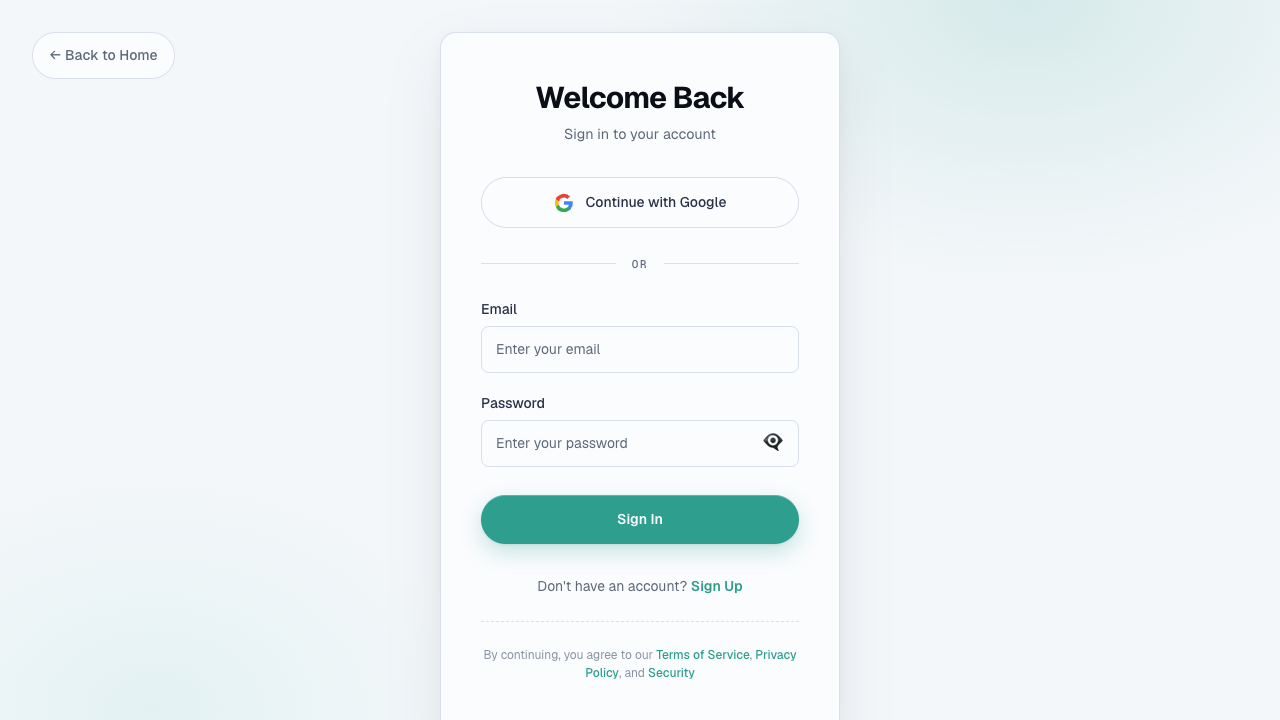
Open zinley.com/dashboard and sign in with Google or your email credentials.
Desktop app
- Open zinley.com/downloads.
- Choose macOS, Windows, or Linux.
- Install the app and sign in with the same account.
- Rename the device under Configure → Devices so it is easy to target.
The app can work in the background. A powered-off machine cannot receive local jobs. Follow an in-app restart prompt when an update needs one.
See Connect a device and Work across devices.
Mobile access
iOS and Android access is available by request from the downloads page. Until then, use the web app or reach Zinley through iMessage & SMS, Telegram, Discord, or its phone number.
Sign out or remove a device
Sign Out ends the session on the current device. Removing a device registration is separate and lives under Cloud + devices.
Zinley's own phone number and email address run in the cloud; no desktop or mobile app needs to stay open for those channels.