Trusted & Blocked
Control who your agent recognizes as you and who it refuses entirely. Open Settings → Trusted & blocked. It has two tabs: Trusted and Blocked.
Trusted — your own numbers and emails
Calls and mail from trusted contacts are treated as coming from you, the owner, on every device.
What counts as trusted? Your own numbers and emails. Reach Zinley from one of these and it knows it's you — everyone else is treated as a stranger, and Zinley stays cautious with them.
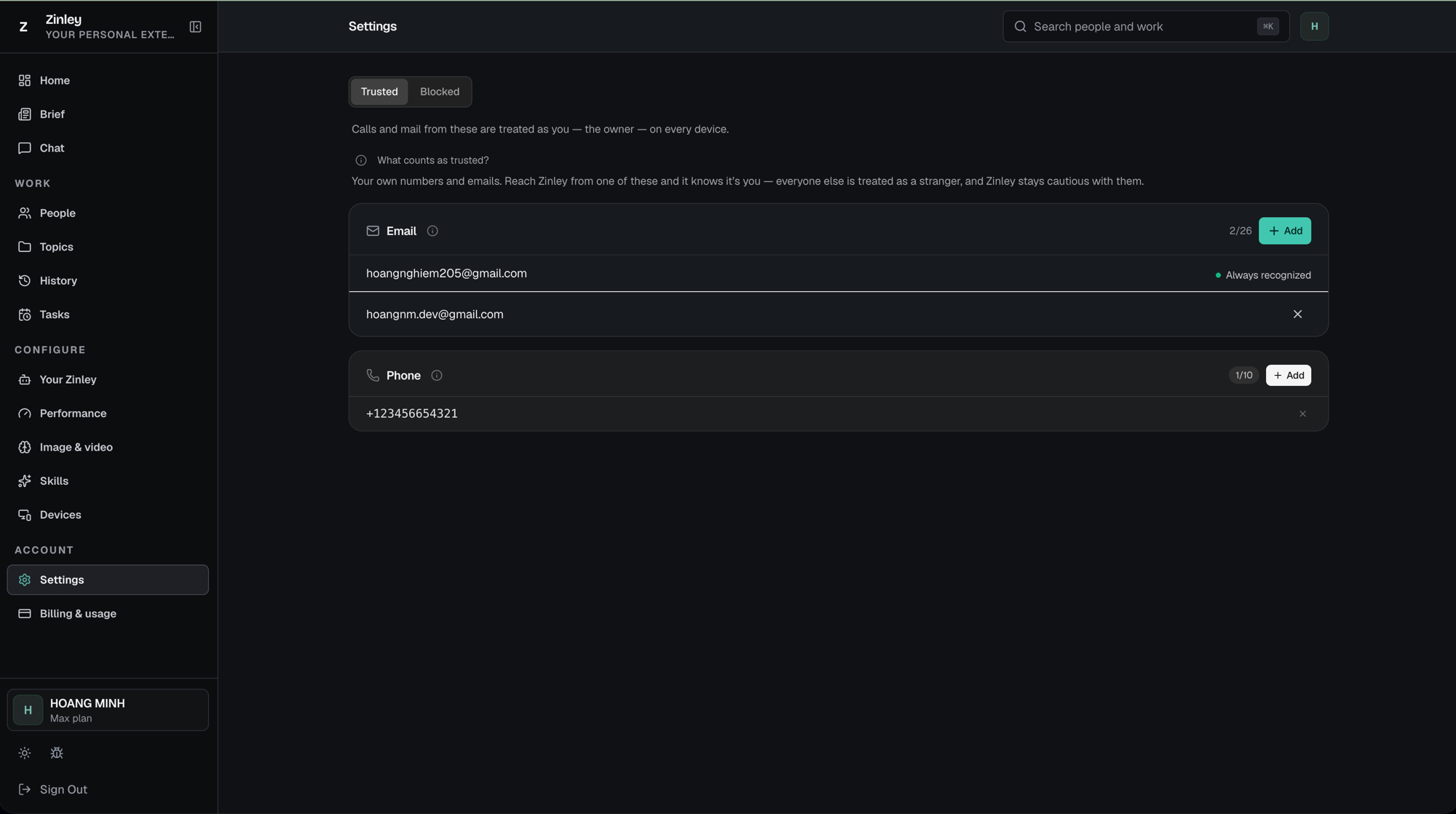
- Email — the addresses Zinley recognizes as you. Your primary account email is marked ● Always recognized and can't be removed; click + Add to add a work or alias address, and remove any added one with ✕.
- Phone — the numbers you call Zinley from. Click + Add to register one; remove with ✕.
Each card shows a count against its limit — e.g. Email 2/26, Phone 1/10.
Blocked — rejected instantly
Calls and mail from blocked contacts are rejected instantly and never reach Zinley.
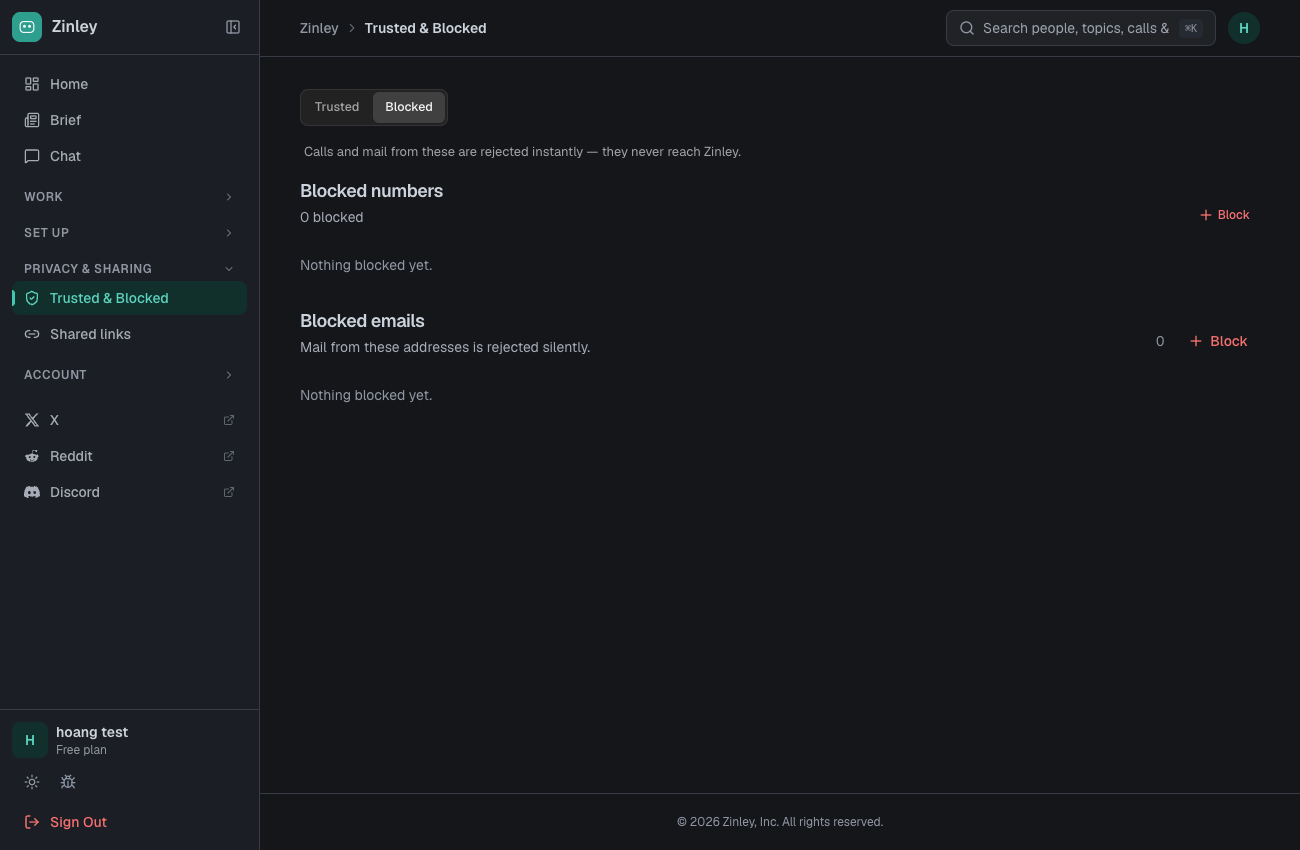
- Blocked numbers — click Block to add a number; blocked calls are rejected.
- Blocked emails — click Block to add an address; mail from it is rejected silently.
Related
- Settings — Trusted & blocked lives here, alongside Shared links.
- Your Zinley — your agent's number and how people reach it.
- Shared Links — control what you share out.