Image & video
The Image & video page — the AI Models panel — is where you choose which model powers each generation type. Open Configure → Image & video. Your choices are saved to your account and synced across devices.
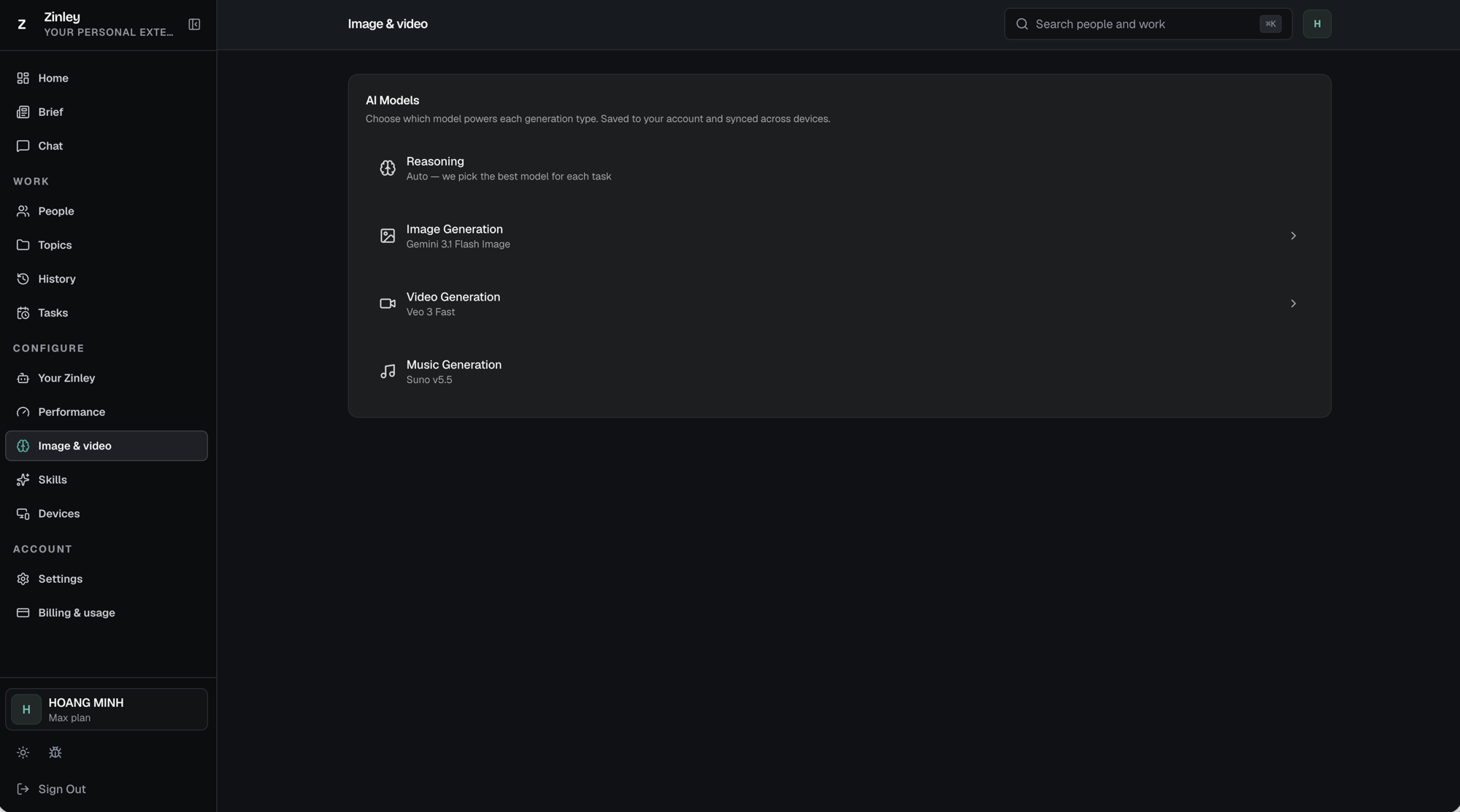
The four generation types
Each row shows the type and its current model; rows with a › open a picker.
- Reasoning — Auto — we pick the best model for each task. This is the model behind Zinley's thinking; manage it in depth under Performance.
- Image Generation — the model for still images (e.g. Gemini 3.1 Flash Image). Click the row (›) to change it.
- Video Generation — the model for video (e.g. Veo 3 Fast). Click the row (›) to change it.
- Music Generation — the model for music (e.g. Suno v5.5).
Choosing an image model
Click Image Generation to open Select Image Model. Each option lists its rough credit cost per image, so you can trade quality against cost; the current pick is marked DEFAULT.
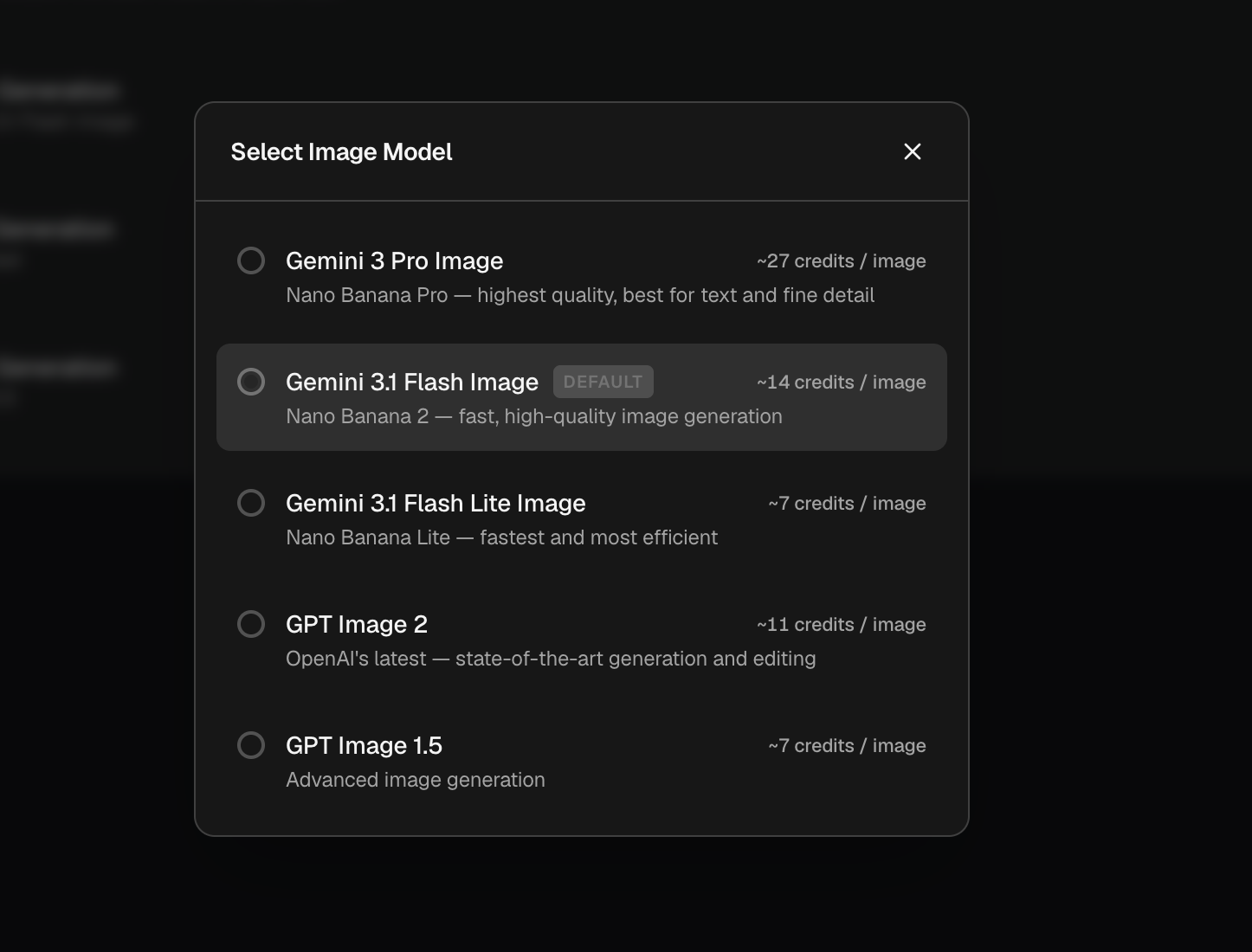
| Model | Cost | Notes |
|---|---|---|
| Gemini 3 Pro Image | ~27 credits / image | Nano Banana Pro — highest quality, best for text and fine detail. |
| Gemini 3.1 Flash Image (default) | ~14 credits / image | Nano Banana 2 — fast, high-quality generation. |
| Gemini 3.1 Flash Lite Image | ~7 credits / image | Nano Banana Lite — fastest and most efficient. |
| GPT Image 2 | ~11 credits / image | OpenAI's latest — state-of-the-art generation and editing. |
| GPT Image 1.5 | ~7 credits / image | Advanced image generation. |
Select an option and it becomes the model for every image you generate. Close with ✕.
Choosing a video model
Click Video Generation to open Select Video Model. The current pick is marked RECOMMENDED.
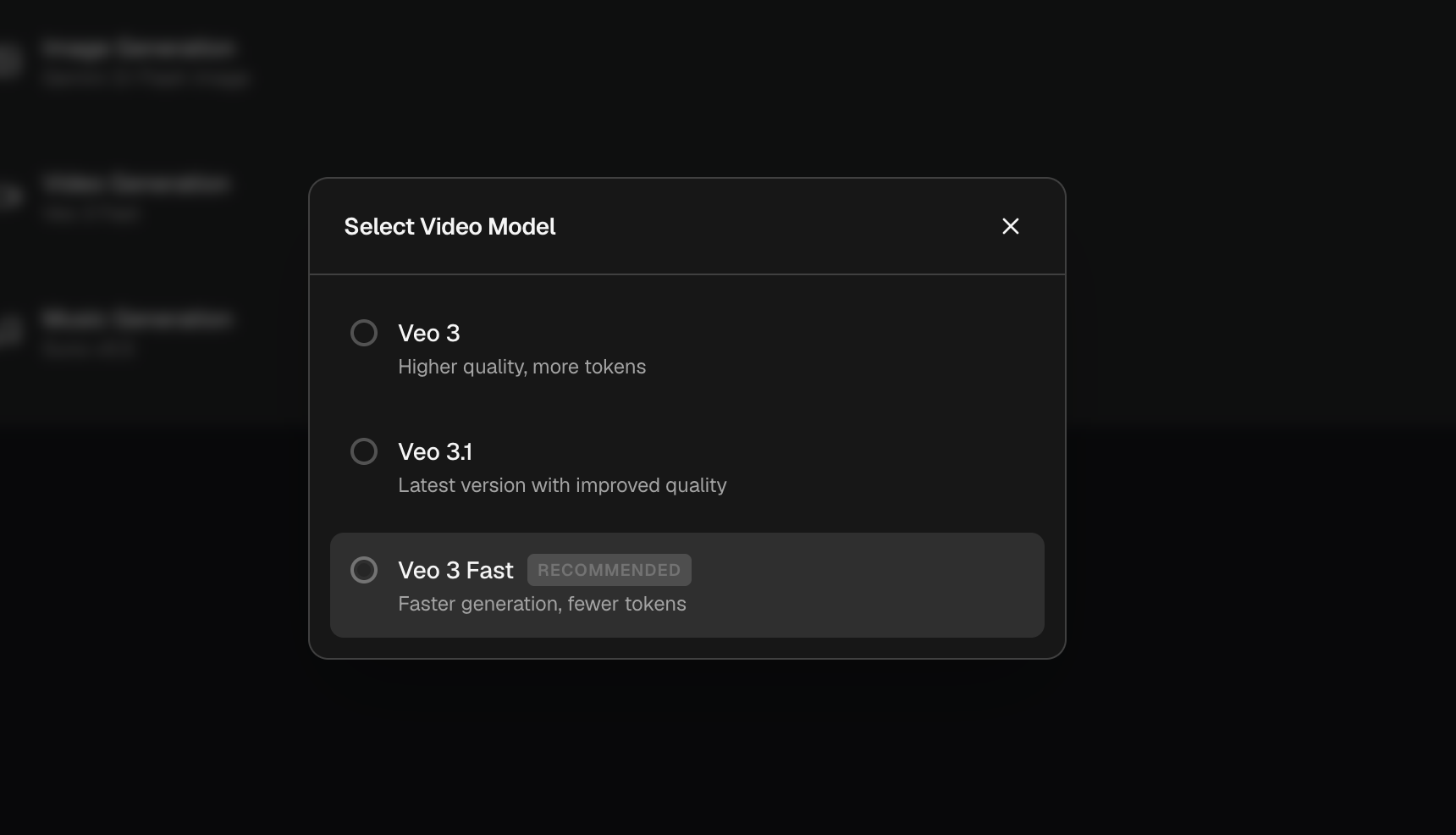
| Model | Notes |
|---|---|
| Veo 3 | Higher quality, more tokens. |
| Veo 3.1 | Latest version with improved quality. |
| Veo 3 Fast (recommended) | Faster generation, fewer tokens. |
Related
- Performance — the reasoning model and speed/depth options.
- Billing & Usage — credits and which models your plan includes.