Topics
Topics are the ongoing conversations Zinley is handling for you — who's waiting on whom, at a glance. Open Work → Topics.
Each topic is one matter — a subject Zinley is seeing through — and it pulls together every call and email about it, across channels. So instead of digging through separate threads, you follow one living card from start to done.
Topics vs. History
These two pages look similar but answer different questions:
| Topics | History | |
|---|---|---|
| What it is | One card per matter, spanning all its calls and emails | The flat log of every individual call and email |
| Organized by | Subject + whose turn it is (waiting on you / them / done) | Time, newest first |
| Answers | "What's in progress, and whose move is it?" | "What happened, and when?" |
In short: History is the raw record of interactions; Topics rolls those interactions up into matters you can track to completion.
Reading a topic card
Each card shows, at a glance:
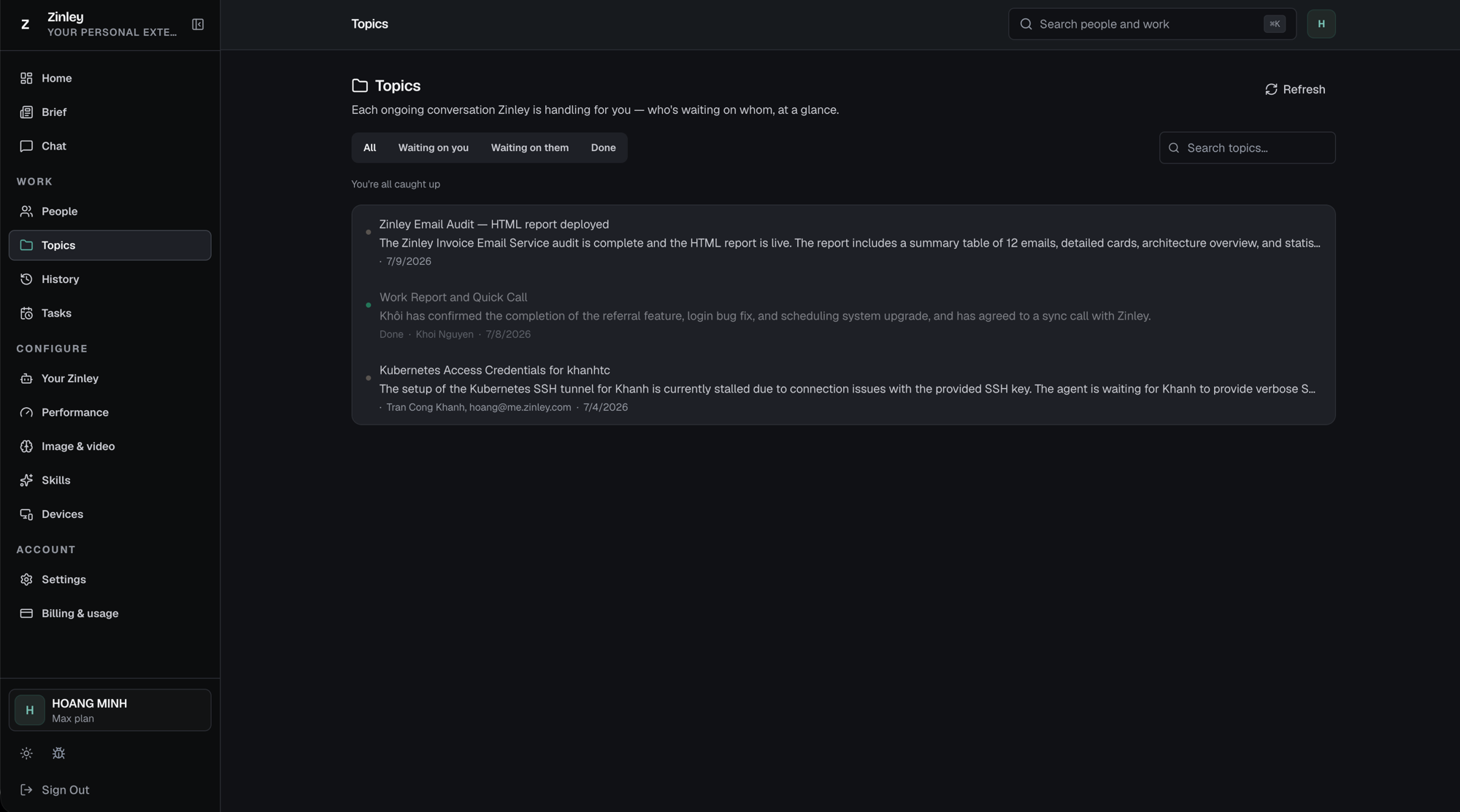
- A status dot and the topic title (e.g. "Zinley Email Audit — HTML report deployed").
- A one-line summary of where things stand.
- The people and channels involved — names plus the email address or phone number the conversation runs on (e.g. "Tran Cong Khanh, hoang@me.zinley.com").
- The date of the latest activity, and a status label like Done when it's wrapped up.
Click a card to open the full topic and pick up where it left off.
The tabs
Filter by who owes the next move. Search topics finds one by keyword, and Refresh pulls the latest. When nothing needs you, the list shows "You're all caught up."
| Tab | Shows |
|---|---|
| All | Every topic, regardless of status |
| Waiting on you | Topics where you owe the next move |
| Waiting on them | Topics where the other person owes the next move |
| Done | Wrapped-up conversations |
All
Everything Zinley is handling, in one list.
Waiting on you
Only the topics where the ball is in your court — the ones to act on first.

Waiting on them
Topics where you're waiting on the other person — Zinley follows up so you don't have to.

Done
Conversations that are wrapped up, kept for reference.
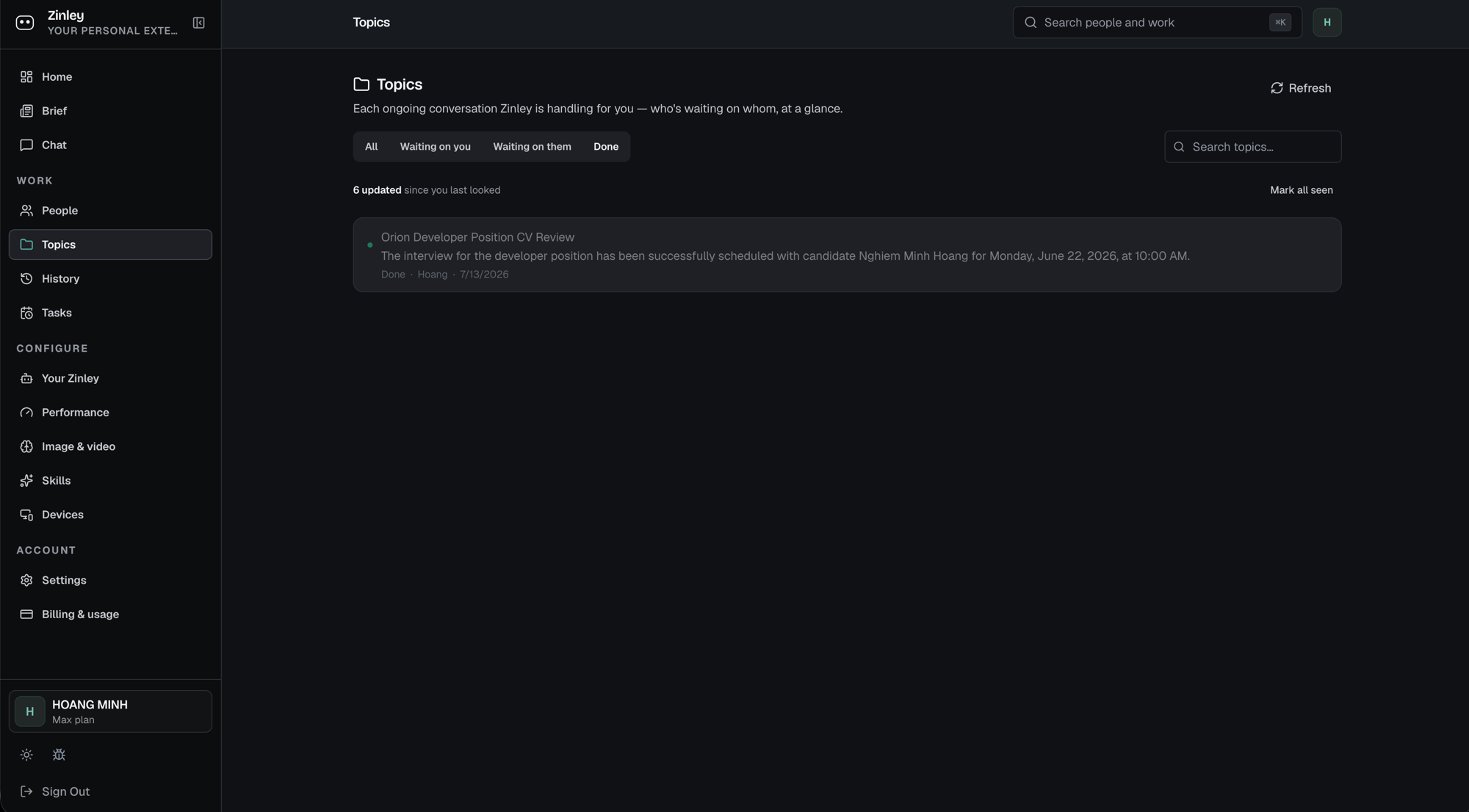
New account? You'll see "No topics yet." Topics appear as Zinley handles calls and emails.